It was never made for a small screen
On a phone the buttons are tiny, the tables are too wide, and you're pinching and zooming for every card. It works, but it's a fight — and there's no app to tap.
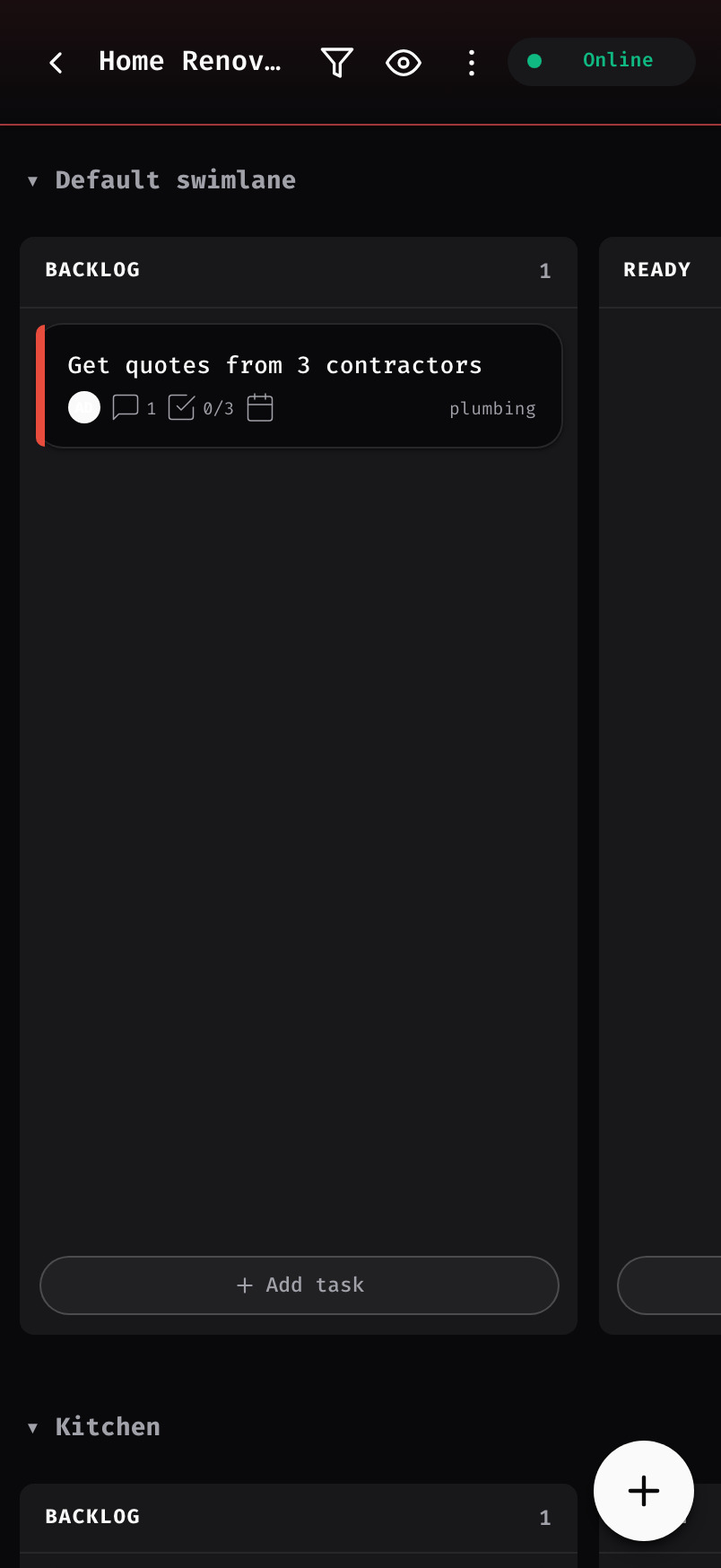
Kanteen turns your Kanboard into a real phone app. Your boards live right on your device, so you can open them, drag cards, and jot notes even with no signal at all. The moment you're back on your home Wi-Fi, everything you changed catches up on its own. No accounts, no cloud, nothing ever leaves your home.
Kanboard keeps all your tasks on your own computer at home — great for privacy. The downside: it was built for a big screen, and it vanishes the second you step away from home. Kanteen fixes both.
On a phone the buttons are tiny, the tables are too wide, and you're pinching and zooming for every card. It works, but it's a fight — and there's no app to tap.
Because nothing is in the cloud, your board is gone on the train, at the café, or in the basement. The usual workaround puts your private server out on the open internet — the very thing you set all this up to avoid.
Everything happens on your device first. Your server is only contacted when it's actually within reach — and only at home, never over the internet.
Add, move, comment on, and finish tasks with no internet at all. Nothing ever spins waiting to load.
Everything you do offline is saved in order and syncs the moment you're back on your home network — no exporting, nothing lost.
Changed the same task on two devices? It simply asks which one to keep — yours, the other, or a mix of both.
Add it to your phone's home screen — or install it on a computer straight from Chrome — and it opens in its own window with its own icon, loads instantly, and keeps working in airplane mode.
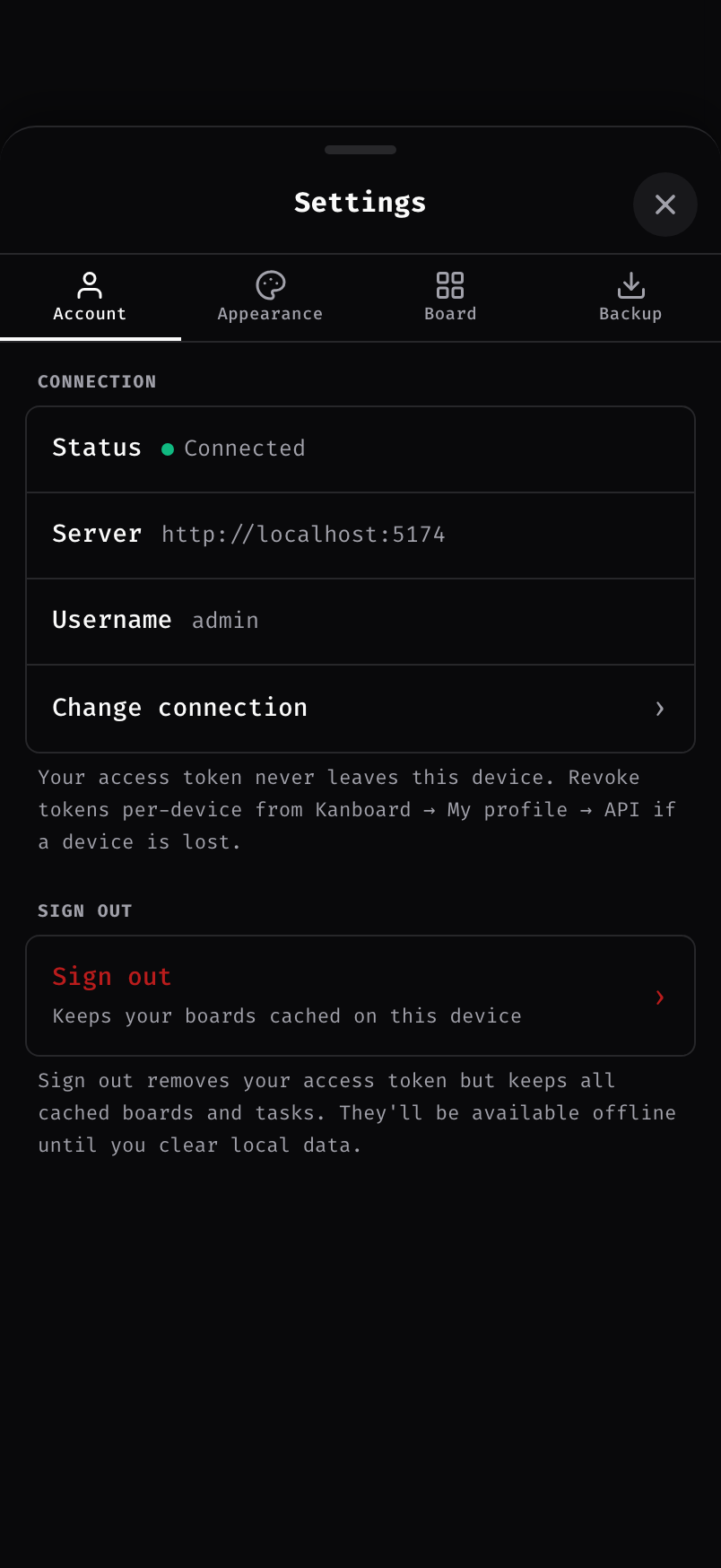
Your boards live on your device and only ever talk to your own server at home. No company in the middle — that's how it's built, not a setting you flip.
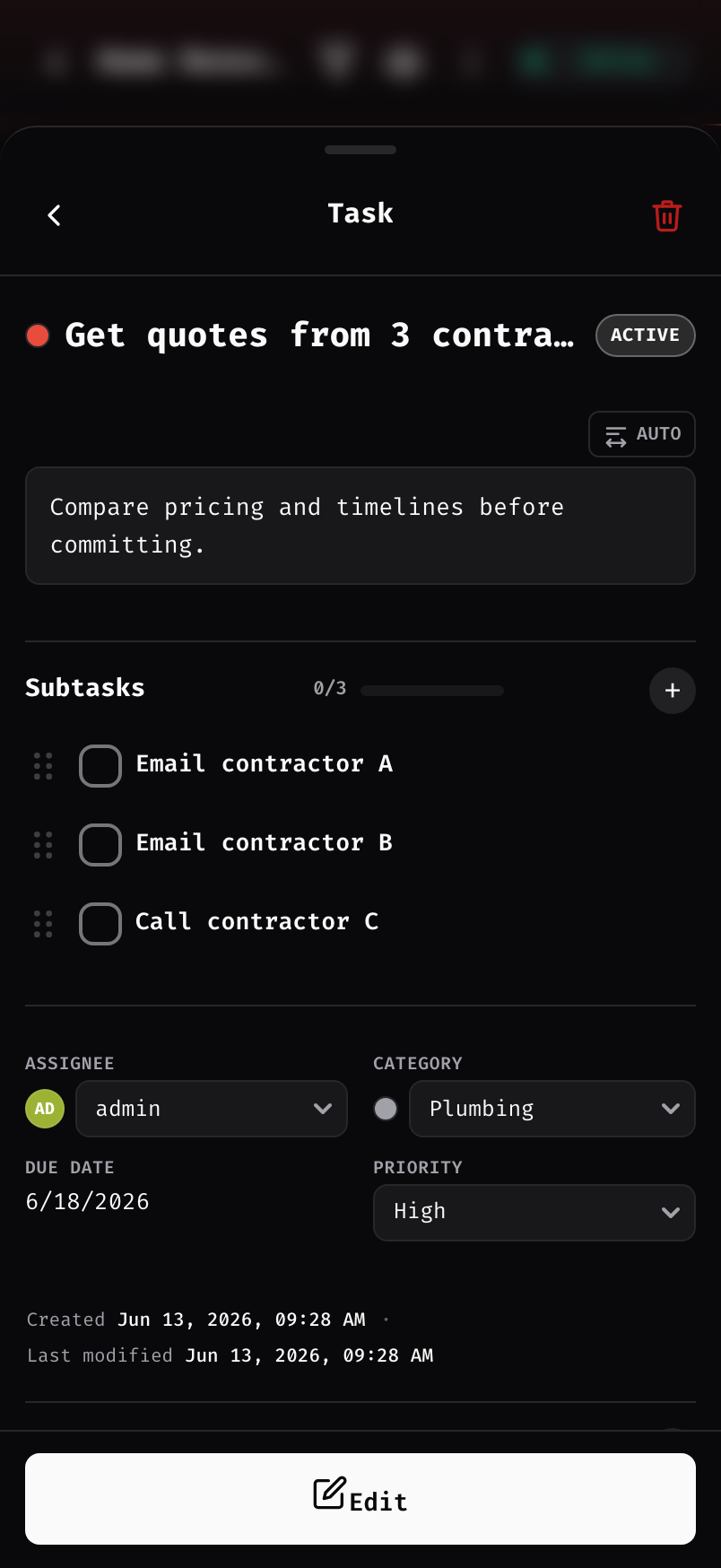
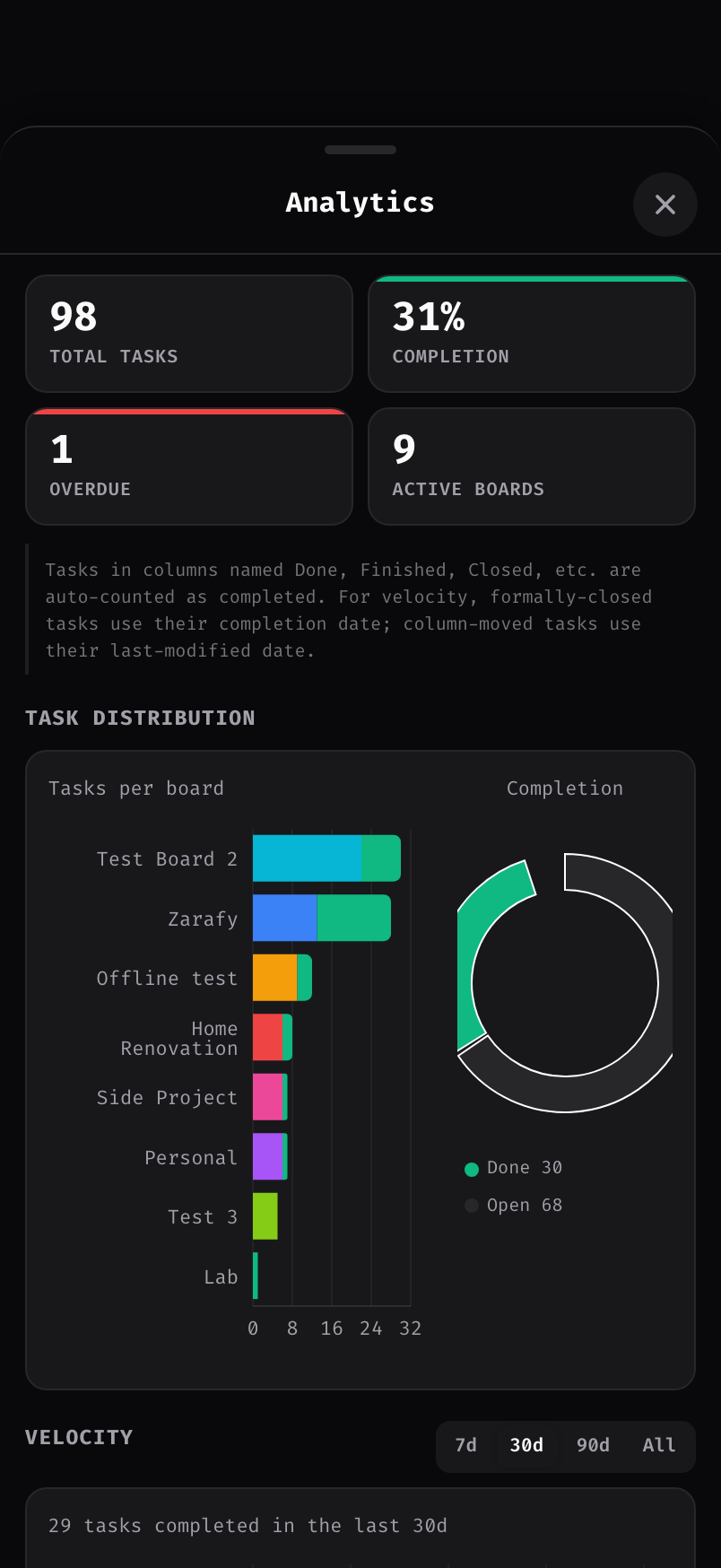
Cover photos, search and filters, labels, checklists, comments, file attachments, and simple progress charts — all right there on your device.
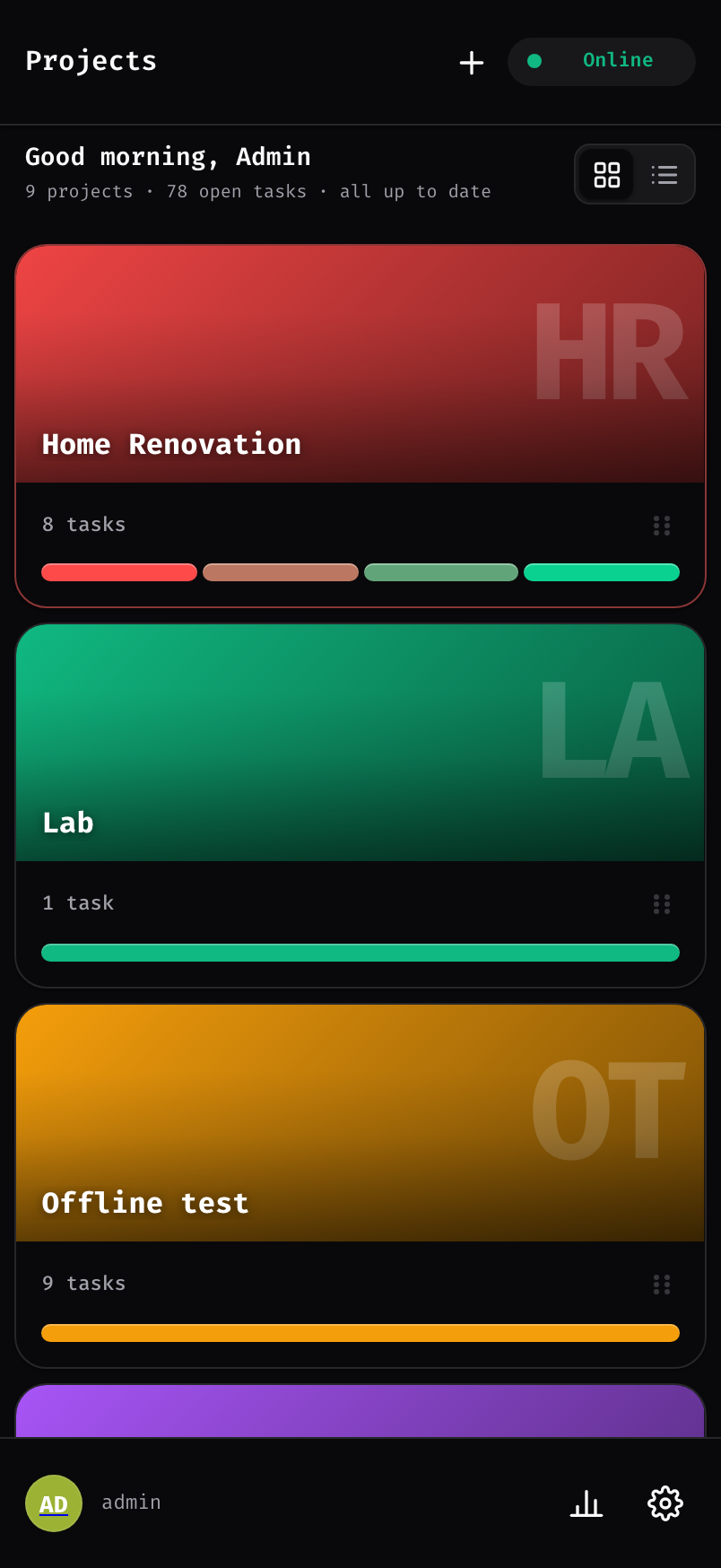
"are you online?"Clean, quick, and made to feel right on your phone's home screen.


It's installed on your home server over a secure, padlocked (HTTPS) connection, then you sign in one time. Your boards download straight to your device.
Wi-Fi or not, keep adding and moving tasks. Everything is saved safely on your device, in order.
Back home, it syncs on its own. If something changed in two places, it just asks which to keep — yours, theirs, or a mix.
Kanteen doesn't replace Kanboard or move your data anywhere. It's a small add-on that sits on top of the Kanboard already running at home, using the very same boards and the same login as the website.
The whole thing is free and open — download it, run it, change it, share it. If it earns a spot on your home screen, chip in whatever it's worth to you.
# Whoever runs your server pastes these in, once cd /var/www/app/plugins curl -LO https://github.com/Zarafy-labs/kanteen-offline-Kanboard/releases/latest/download/kanteen.zip unzip kanteen.zip && rm kanteen.zip # Then set up the secure padlock (see the install guide) — done.
Works with Kanboard 1.2.0 and up. The app is served over a secure (HTTPS) connection so phones will trust it and offline mode works — a one-time setup on your home server. After that, always open it from the same home address and the app icon, and it remembers your boards offline.