The stock UI was never built for touch
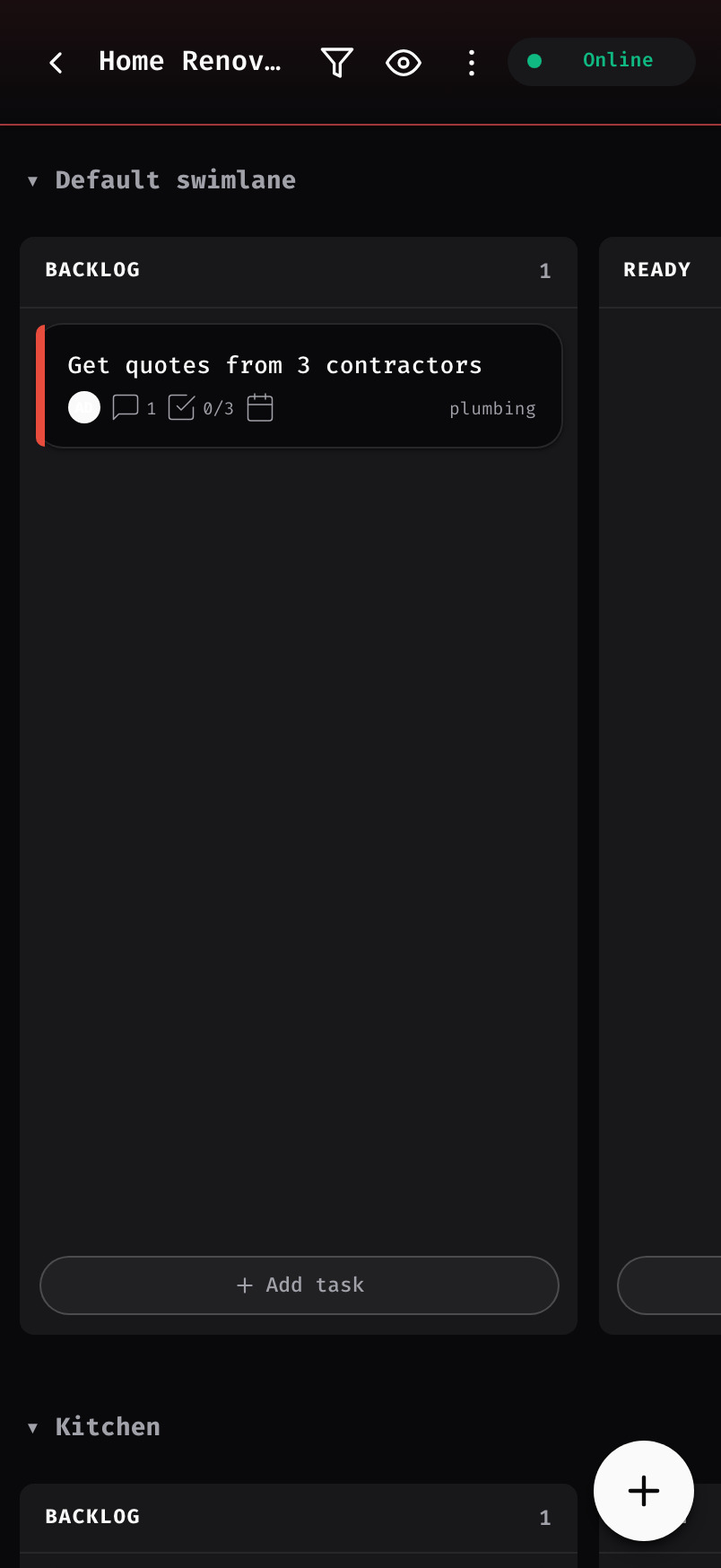
On a phone, Kanboard means tiny tap targets, dense tables, and pinch-to-zoom for every card. It works, but it fights you the whole way — and there's nothing to install.
Kanteen turns the Kanboard on your Pi or NAS into an installable app that actually feels good on a phone. Boards live on your device — drag, edit, comment with no connection at all — and every change queues up and replays the moment you're back on your LAN. No cloud, no tunnel, no port forwarding.
Self-hosting keeps your data on your own hardware. The trade-off is a desktop-first UI that vanishes the moment you leave the network. Kanteen closes both gaps.
On a phone, Kanboard means tiny tap targets, dense tables, and pinch-to-zoom for every card. It works, but it fights you the whole way — and there's nothing to install.
No cloud means no board on the commute, at the café, or in the basement. The usual fix — a reverse proxy or tunnel — puts your private server on the public internet, which defeats the point of self-hosting.
Every read and write hits a local database in your browser first. The server is only contacted when it's actually reachable — and only over your LAN.
Create, move, comment, and complete tasks with zero connectivity. Nothing in the UI ever blocks on a network request.
Every offline edit joins a queue and replays in order the moment your LAN is reachable again — no manual export, no lost work.
Changed the same task in two places? You decide, per field: keep yours, take the server's, or merge the two.
Install it from your phone's home screen — or straight from Chrome on desktop — and it runs in its own window, loads instantly, and keeps working with airplane mode on.
Boards live in IndexedDB on your device and sync only to your own server. No proxy, no tunnel, no cloud middleman — by design, not by toggle.
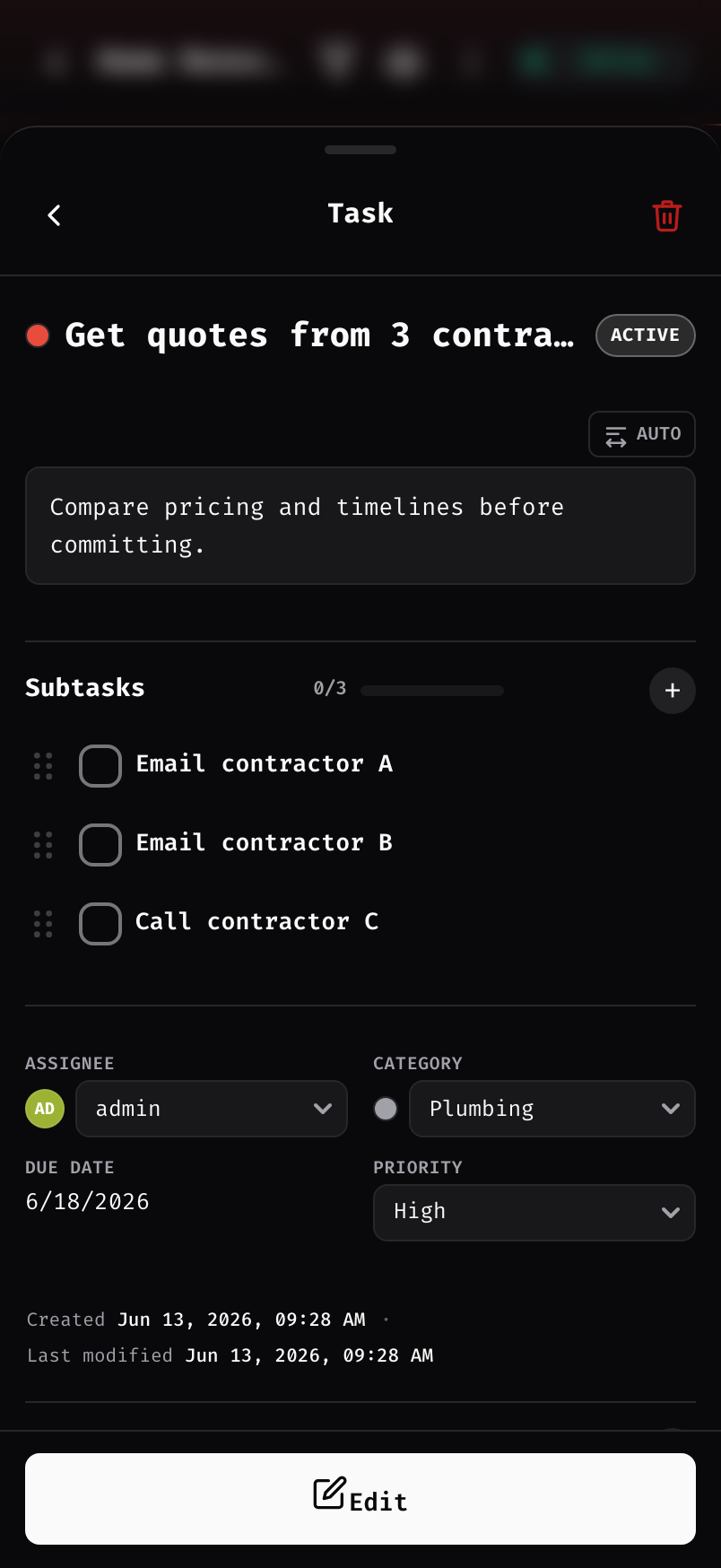
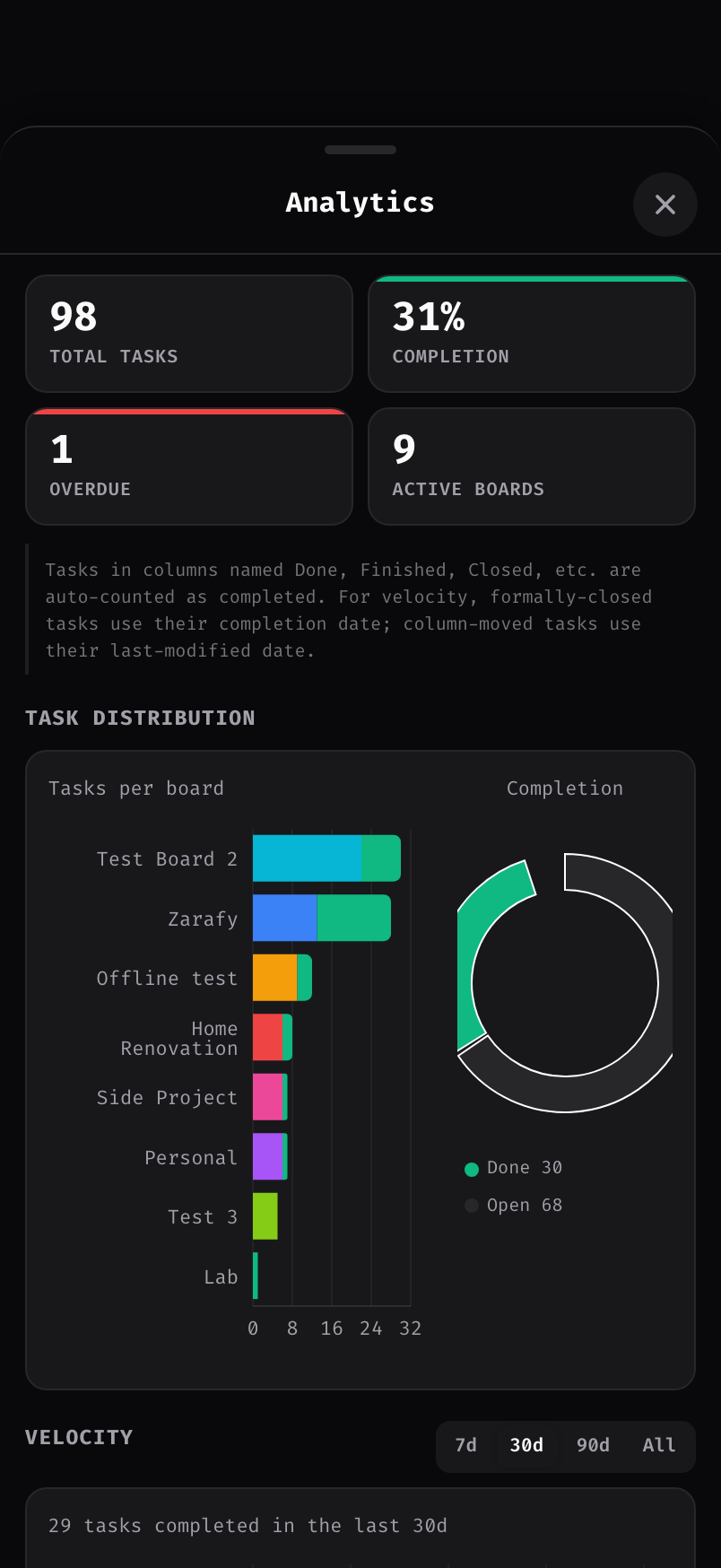
Covers, filters, categories, subtasks, comments, attachments — plus completion, distribution, and velocity charts, computed on-device.
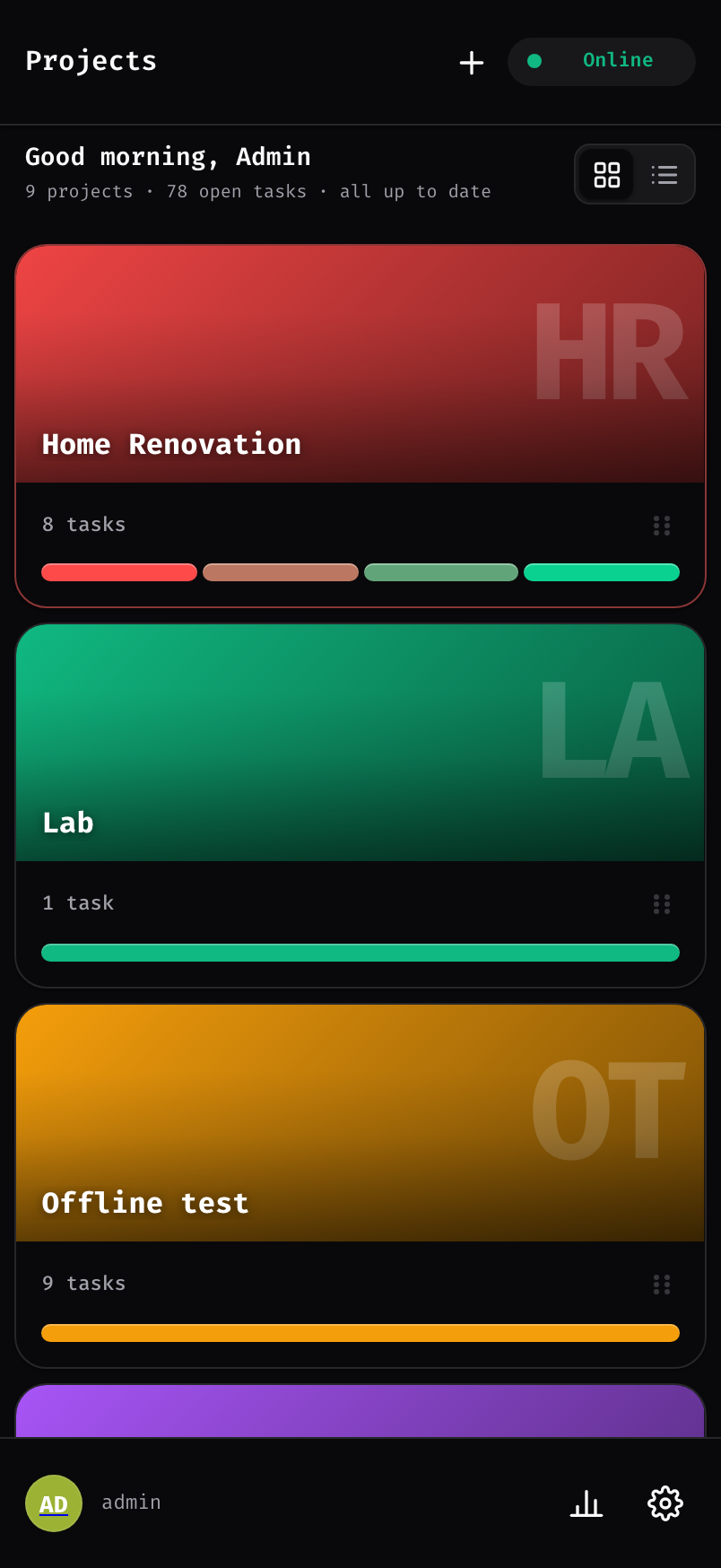
navigator.onLineMonospace type, a restrained zinc palette, and a layout that earns its spot on your home screen.


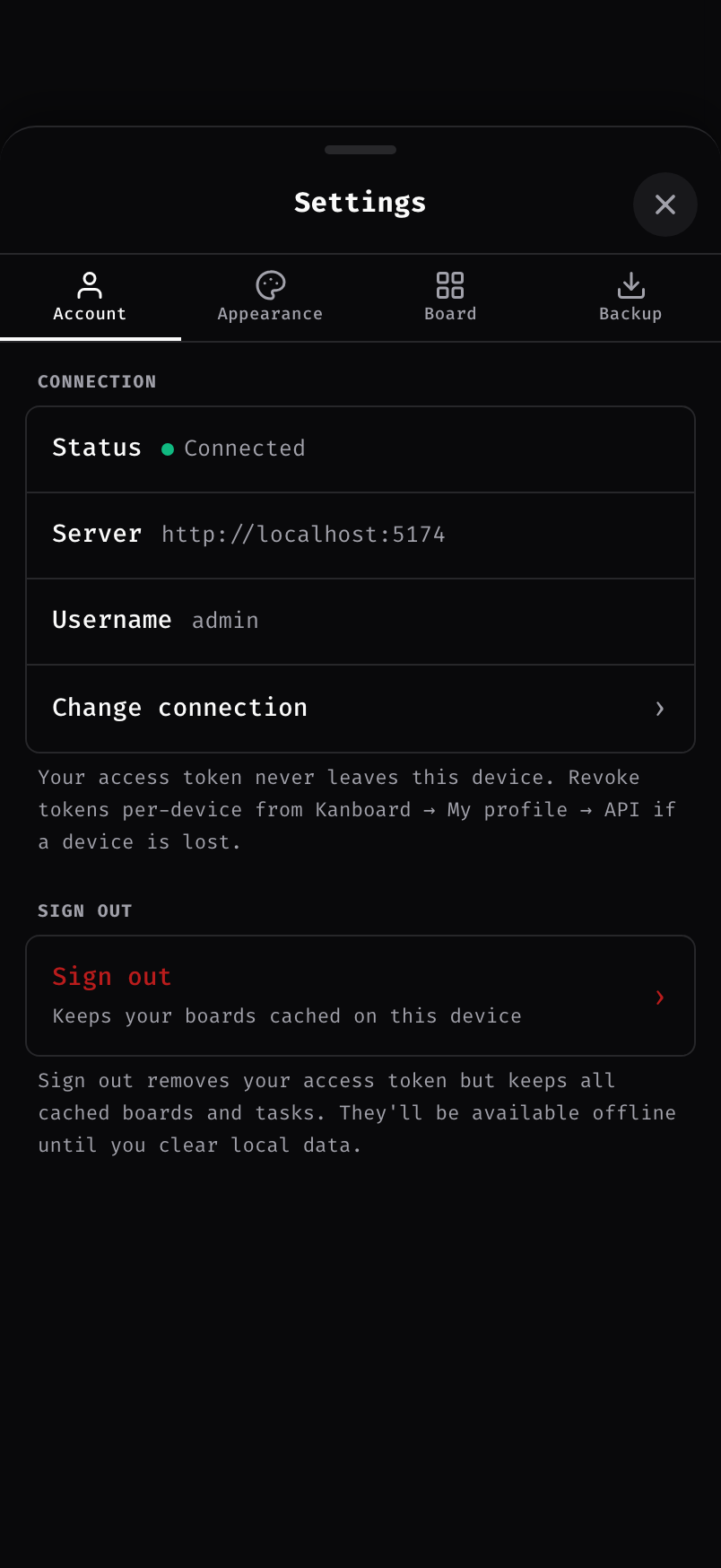
Serve Kanboard over a trusted HTTPS origin (a mkcert LAN cert does it), then sign in once with your server address and your Kanboard password or a personal access token. Your boards download straight to the device.
Lose Wi-Fi, hit a dead zone, go to the basement — keep working. Every change lands in a queue on your device, in order.
Back on your network, the queue replays automatically. If a field changed in both places, you pick the winner — yours, the server's, or a merge.
Kanteen isn't a fork or a replacement — it's a thin plugin plus a PWA client on top of your own Kanboard. It talks to Kanboard's JSON-RPC API and reads and writes the exact same data as your web UI.
The whole plugin is open source under the MIT license — free to download, run, fork, and modify. If it earns a spot on your home screen, chip in whatever it's worth to you.
# Drop the plugin into your Kanboard install cd /var/www/app/plugins curl -LO https://github.com/Zarafy-labs/kanteen-offline-Kanboard/releases/latest/download/kanteen.zip unzip kanteen.zip && rm kanteen.zip # Reload Kanboard, then launch "Open Kanteen" from the header menu.
Requires Kanboard 1.2.0 or newer, served over a trusted HTTPS origin — the offline service worker only runs in a secure context, and a self-signed cert is treated as insecure. Issue a LAN cert with mkcert and trust its root CA on each device (see INSTALL.md). Install the PWA from one fixed address and always launch from the app icon — offline storage is tied to that exact origin.